
Secure streets and neighbourhoods make criminals less likely to approach your property. Here’s how to improve security in your street and local community.
Security

How to maintain or update your security system
A reliable home security system plays an important role in protecting your property, valuables and peace of mind.
As technology evolves and household needs change, older systems can become less effective, more vulnerable to faults or incompatible with newer devices. Whether you rely on security cameras, a monitored alarm system or smart home technology, regular maintenance and timely upgrades are essential to ensure everything works as intended.
Understanding how to maintain your existing setup - and knowing when it’s time to update - can help keep your home secure without unnecessary expense. Here's what Australian homeowners need to know about maintaining and upgrading security cameras, alarm systems and smart home security.
More: Home security guide - CCTV, alarm systems and monitoring
Why maintaining your home security system matters
A home security system is only effective if it works properly. Poorly maintained cameras may fail to record critical footage, while outdated alarm systems can trigger false alerts or miss genuine threats.
Regular upkeep helps to:
- ensure devices function correctly during an emergency
- reduce false alarms and system faults
- extend the lifespan of your equipment
- maintain compatibility with software updates and monitoring services
- protect your system from cyber security vulnerabilities.
Just as you would service a car or check smoke alarms, home security systems require ongoing attention.
Maintaining security cameras
Security cameras are often the most visible part of a home security system and provide vital evidence if an incident occurs. Whether you use wired, wireless or battery-powered cameras, routine maintenance is essential.
Clean lenses and housings regularly
Dust, dirt, spiderwebs and weather exposure can degrade image quality. Clean camera lenses every few months using a soft, lint-free cloth and non-abrasive cleaner. Outdoor cameras may need more frequent attention after storms or during pollen-heavy seasons. Also check camera housings for cracks or moisture ingress, which can damage internal components.
Check camera positioning and field of view
Over time, cameras can be knocked out of alignment by wind, animals or maintenance work. Periodically review live feeds to ensure cameras still cover entry points such as doors, driveways and side paths. In addition, trim any overgrown plants that may obstruct views or cause excessive motion alerts.
Test night vision and motion detection
Infrared night vision and motion sensors can degrade without obvious signs. Test cameras after dark to confirm night footage is clear and that motion detection triggers recordings correctly. If alerts are too frequent or inconsistent, adjust sensitivity settings through the camera's app or software.
Update firmware and software
Most modern cameras rely on regular firmware updates to improve performance and security. Outdated firmware can leave cameras vulnerable to hacking or compatibility issues. Enable automatic updates where possible, or check the manufacturer's app periodically to install new versions.
Replace batteries when needed
Battery-powered cameras require regular battery checks. Low battery levels can cause cameras to disconnect or stop recording altogether. Set reminders to recharge or replace batteries, particularly before long holidays.
Upgrading security cameras
When updating cameras, look for features that improve visibility, reliability and ease of use. Key upgrades to consider include:
- high-definition or 4K resolution
- colour night vision
- wider field-of-view lenses
- AI-based motion detection that distinguishes people, vehicles and animals
- secure cloud or local storage options.
Wireless and solar-powered cameras can also simplify installation in hard-to-wire areas.
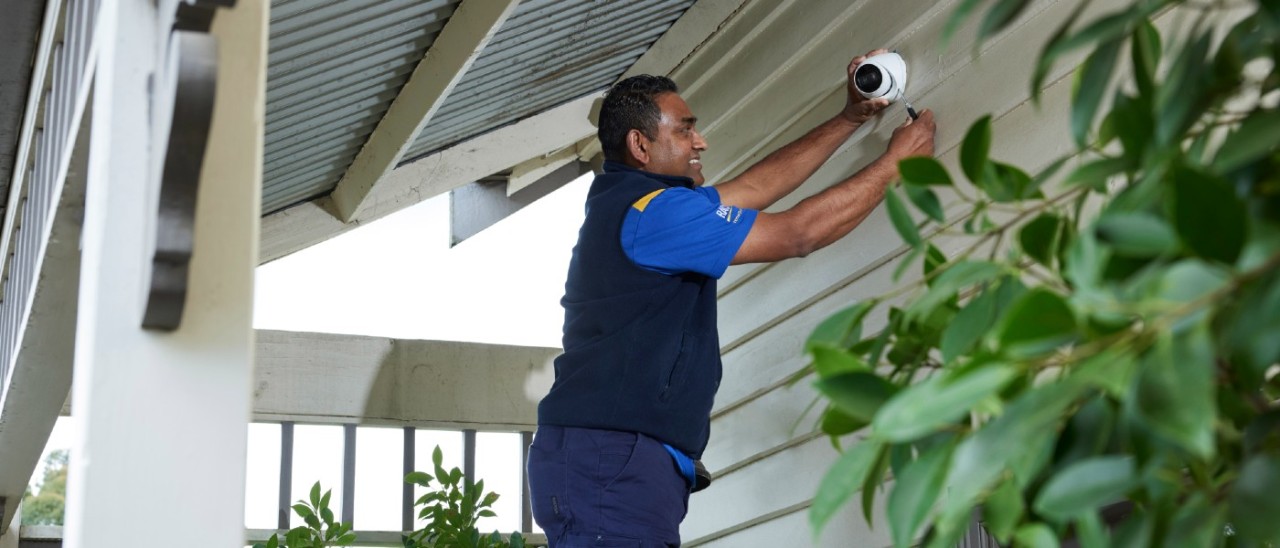
Security cameras can help provide evidence if a burglary or other incident occurs. Image: Matt Harvey
Maintaining alarm systems
Alarm systems form the backbone of many home security setups, whether monitored by a security provider or self-managed.
Test your alarm system regularly
Test your alarm system every few months to ensure sensors, sirens and control panels are working correctly. This includes door and window sensors, motion detectors and panic buttons. If your system is monitored, notify the monitoring service before testing to avoid unnecessary call-outs.
Replace backup batteries
Most alarm systems include backup batteries to keep the system running during a power outage. These batteries typically need replacing every three to five years. A failing backup battery may cause warning beeps or system alerts. Don't ignore these, as the system may not function during a blackout.
Check sensors and detectors
Door and window sensors can become misaligned over time, especially in homes with timber frames that expand and contract. Motion detectors may also lose sensitivity or become obstructed by furniture changes. Inspect and test sensors regularly to ensure they respond correctly when triggered.
Keep control panels accessible and functional
Ensure alarm keypads or control panels are easy to access and free from damage. If buttons are unresponsive or screens are cracked, repairs or replacement may be necessary to avoid problems during an emergency.
Upgrading alarm systems
Modern alarm systems offer greater flexibility and control than older models. Features to look for include:
- smartphone arming and disarming
- real-time alerts and activity logs
- integration with cameras and smart locks
- optional professional monitoring
- cellular backup if the internet goes down.
Upgrading may also reduce ongoing maintenance by replacing wired sensors with wireless alternatives.
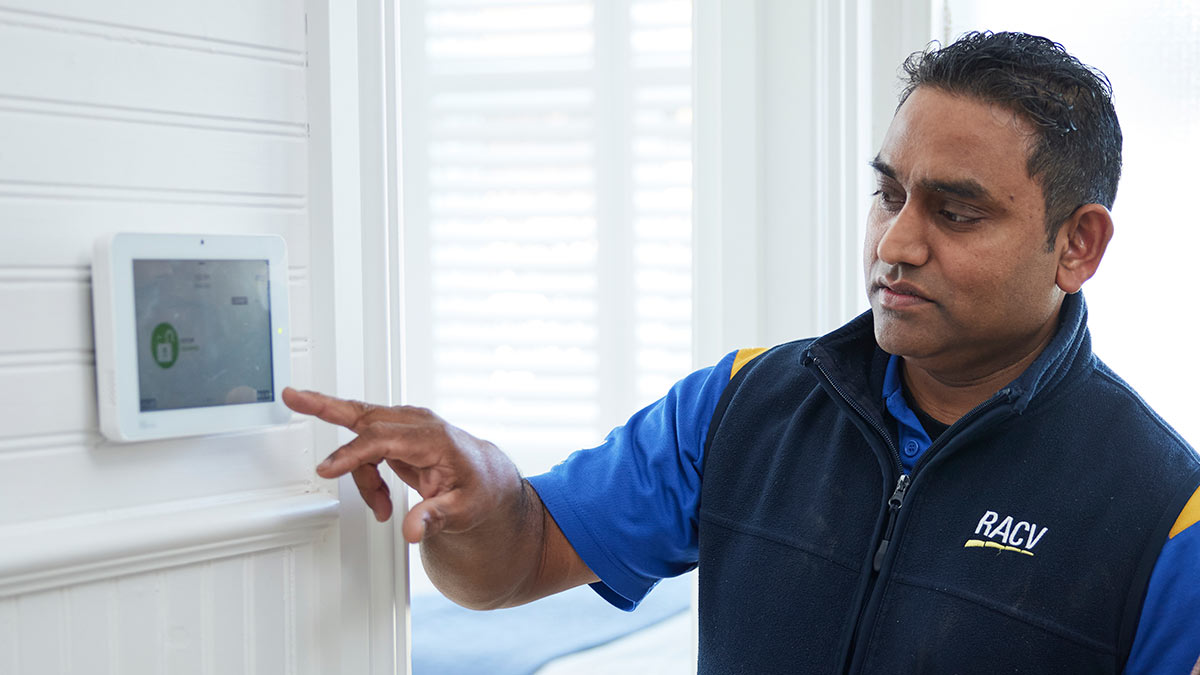
A home security system can help deter would-be burglars.
Maintaining smart home security devices
Smart home security systems integrate cameras, alarms, locks, doorbells and lighting into a single connected ecosystem. While convenient, they require consistent digital maintenance.
Secure your home network
Smart security devices rely on your home Wi-Fi network. Protecting that network is critical to preventing unauthorised access.
Key steps include:
- using strong, unique passwords for your Wi-Fi and security apps
- enabling two-factor authentication where available
- keeping your router's firmware up to date
- avoiding public or unsecured networks for system access.
A compromised network can undermine even the most advanced security system.
Review device permissions and users
Over time, multiple household members or temporary users may gain access to your system. Regularly review who can view cameras, disarm alarms or unlock doors, and remove access for anyone who no longer needs it.
Check app compatibility and support
Smart home security relies on mobile apps and cloud services. If an app is no longer supported or updated, your system may become unstable or insecure. If your device manufacturer has discontinued support, it may be time to consider an upgrade.
Upgrading to a smart home security system
A fully integrated smart home security system can centralise control and improve overall protection. Benefits include:
- managing all devices from a single app
- automating routines, such as lights turning on when motion is detected
- receiving instant alerts wherever you are
- expanding the system easily as your needs change.
When upgrading, check compatibility with existing devices to avoid replacing everything at once.
When should you update your home security system?
While maintenance can extend the life of a system, there comes a point when updating or replacing components is the smarter option.
Your system is more than 10 years old
Older systems may lack modern encryption, remote access or smartphone integration. Replacement parts can also be difficult to source, increasing repair costs.
You experience frequent faults or false alarms
Repeated technical issues often indicate ageing hardware or outdated software. False alarms can reduce trust in your system and may lead to monitoring fees or council penalties.
Your security needs have changed
Changes such as renovations, working from home, new vehicles or extended travel can alter your security requirements. Upgrading allows you to tailor coverage to your current lifestyle.
You want smart features and remote monitoring
Modern systems offer features such as real-time alerts, cloud video storage, smart doorbells and integration with lighting or voice assistants. If your current system can't support these, an update may be worthwhile.
Professional installation vs DIY upgrades
Some updates, such as adding wireless cameras or smart doorbells, may be suitable for DIY installation. Others, particularly alarm system upgrades or monitored services, may benefit from professional installation.
A licensed installer can:
- ensure optimal device placement
- integrate systems correctly
- test the setup thoroughly
- provide guidance on ongoing maintenance.
This can be especially valuable for larger homes or complex systems.
RACV Security Pty Ltd ABN 49 079 148 342 trading as RACV Home Security. Security Licence (Vic.) 733-411-10S and Security Registration (Vic.) 733-411-31S.

