
Thousands of Australian passports are reported lost or stolen each year, so here’s how to keep your passport safe when travelling overseas – and what to do in case of emergency.
International

How to keep your smartphone safe when travelling
Learn how to keep your smartphone safe when travelling with practical tips on preventing theft, protecting data and staying secure on public Wi-Fi.
Your smartphone is more than a communication tool: it's your map, wallet, camera, translator, travel guide and emergency contact rolled into one. Losing access to it while travelling can disrupt your plans, compromise your personal data and even put your safety at risk.
Whether you're heading interstate or overseas, taking proactive steps to protect your device can save significant stress and expense.
Here's how to keep your smartphone safe when travelling, from preventing theft and damage to securing your data and preparing for the unexpected.
More: How to keep your passport safe when travelling overseas
Where is phone theft common overseas?
Global smartphone and pickpocket theft hotspots include London, Barcelona, Paris, Rome, Lisbon, Bangkok, Buenos Aires, Rio de Janeiro, and Bogotá. The ABC reports that around 116,000 phones were stolen in London in 2025.
Smartphone theft is particularly common in at tourist attractions, on public transport, at nightlife areas, around busy streets and shopping districts, and at outdoor restaurants and cafes where phones are left on tables.
Before you leave: essential preparation
Back up your data
Before travelling, ensure your phone is fully backed up. Use cloud storage or a secure computer to save your photos, contacts and important files. If your device is lost or stolen, a recent backup allows you to restore your information quickly. Automatic backups should be enabled, but it's worth manually checking that everything is up to date before departure.
Update your software
Install the latest operating system and app updates. These often include critical security patches that protect against known vulnerabilities. Running outdated software can leave your device exposed to cyber threats.
Enable tracking and remote wipe features
Most smartphones offer built-in tools that allow you to locate, lock or erase your device remotely if it goes missing. Make sure these features are turned on and that you know how to access them from another device.
Set strong authentication
Use a secure passcode or password rather than a simple PIN. Where available, enable biometric authentication such as fingerprint or facial recognition. Avoid easily guessable codes like birthdays or repeating digits.
For additional protection, activate two-factor authentication (2FA) on key apps, including email, banking and cloud storage.
Record key information
Note down your phone's IMEI number (a unique device identifier) and keep it somewhere safe, separate from your phone. This can help your provider block the device if it's stolen.
You can obtain your IMEI number by pressing *#06# on your mobile phone.
It's also useful to store emergency contact details and account recovery information in a secure location.
More: Overseas travel checklist - all the things to do before you go
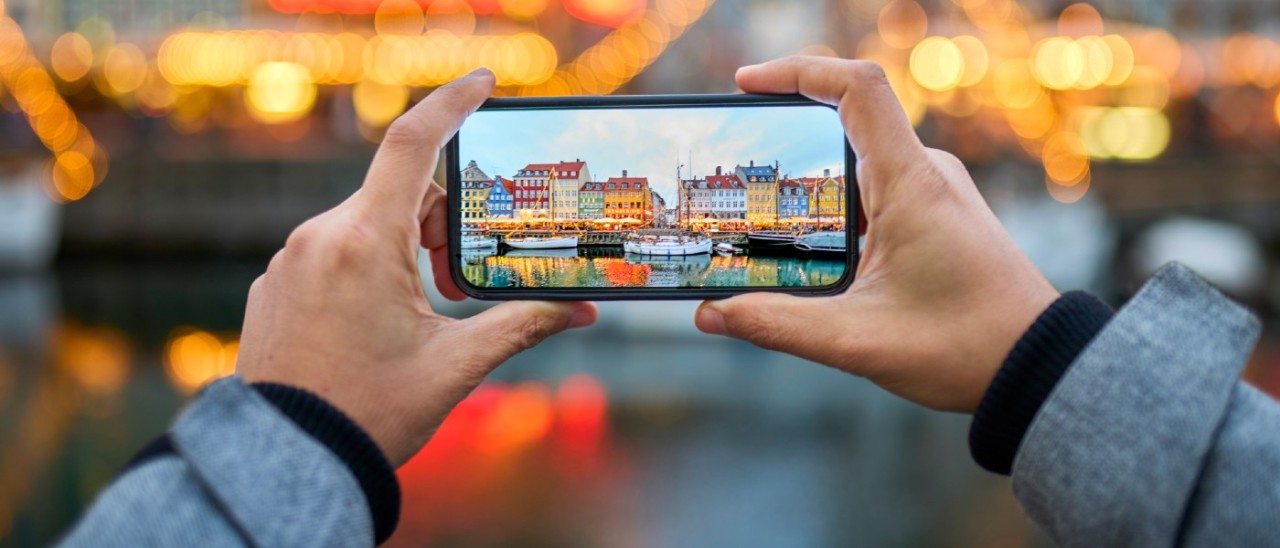
Update your phone's software before travelling to ensure you have the latest security patches. Image: Getty
Protecting your phone from theft
Stay aware in crowded areas
Pickpocketing is more common in busy tourist hotspots, transport hubs and major events. Keep your phone in a secure pocket or a zipped compartment in your bag, ideally one that sits close to your body. Avoid placing your phone on café tables or leaving it unattended, even briefly.
Use anti-theft accessories
Consider using anti-theft accessories, like a crossbody bag with lockable zips or slash-resistant straps. Phone lanyards or wrist straps can also reduce the risk of accidental drops or snatch-and-run theft.
Be cautious when using your phone in public
Holding your phone out while navigating or taking photos can make you a target. If possible, step away from crowds or stand with your back against a wall when using your device. Thieves often rely on distractions, quick grabs in confined spaces, and fast snatches while on bikes or scooters.
Avoid displaying high-value items
Minimise the visibility of expensive devices and accessories. Using a plain phone case instead of a branded or flashy one can make your device less conspicuous.
Keep your phone on your person
Never leave your smartphone in your checked luggage and reconsider leaving it in your hotel room, even if it's in a safe. Never give your phone to someone you don't know or let someone take it out of your sight.
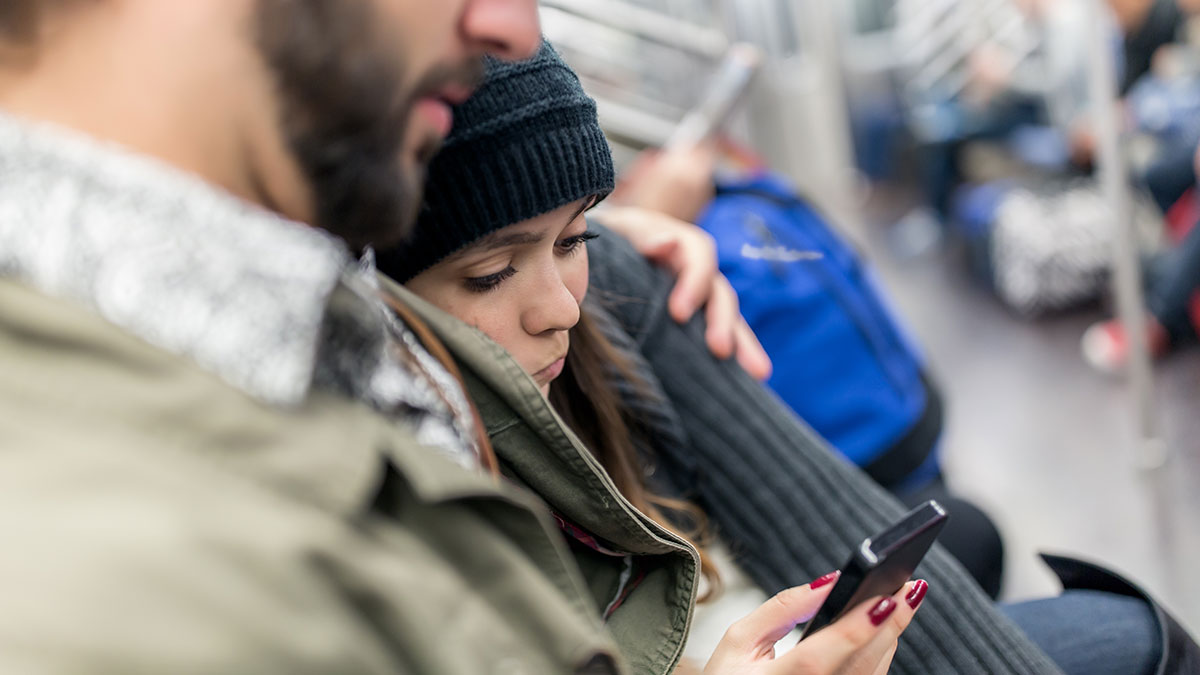
Watch out for thieves and pickpockets, who often target smartphones. Image: Getty
Keeping your phone safe from damage
Use a protective case and screen protector
A durable case and tempered glass screen protector can prevent costly damage from drops or impacts. This is particularly important when travelling, as you're more likely to be on the move and in unfamiliar environments.
Protect against water and weather
Rain, humidity and accidental spills can damage your device. If you're travelling to a beach or wet climate, consider a waterproof pouch. Even water-resistant phones can be vulnerable over time.
Manage battery health
Carrying a portable charger can prevent your phone from running out of power at critical moments. However, use reputable charging accessories and avoid public USB charging stations, which can pose security risks.
Staying secure online while travelling
Be cautious with public Wi-Fi
Free Wi-Fi networks in airports, hotels and cafés are convenient but often unsecured. Hackers can intercept data transmitted over these networks. Avoid accessing sensitive accounts (such as banking or email) on public Wi-Fi. If you must use it, consider using a virtual private network (VPN) to encrypt your connection.
Disable automatic connections
Turn off settings that automatically connect your phone to available Wi-Fi or Bluetooth networks. This reduces the risk of connecting to malicious or spoofed networks without your knowledge.
Use mobile data when possible
Using your mobile network is generally more secure than public Wi-Fi. If you're travelling overseas, consider an international roaming plan or a local SIM card to maintain a secure connection.
Log out of shared devices
If you access your accounts on hotel computers or other shared devices, always log out completely and avoid saving passwords.
Use secure payment methods
Mobile wallets can be safer than carrying physical cards, as they often require biometric authentication. However, ensure your device is locked and that payment apps are properly secured.
Monitor account activity
Check your bank and email accounts regularly for any unusual activity. Early detection can help minimise the impact of potential breaches.
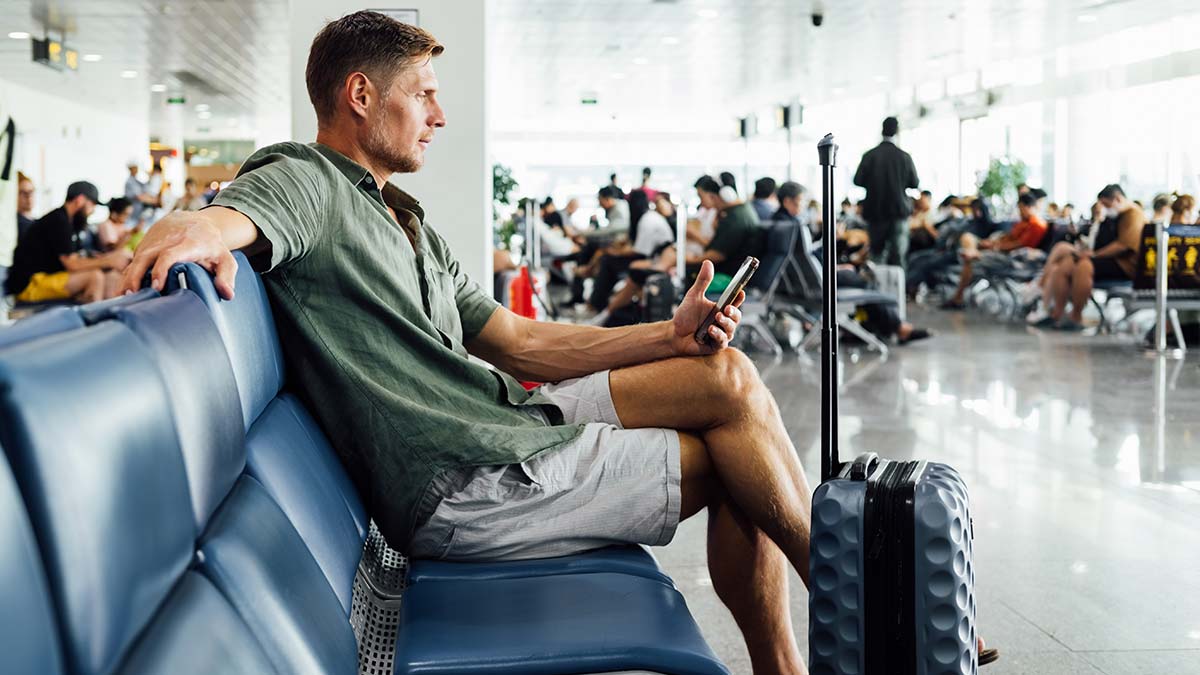
Use your mobile data rather than public Wi-Fi where possible. Image: Getty
What to do if your phone is lost or stolen
Act quickly
Time is critical if your phone goes missing. Use your device's tracking feature to locate it or place it in lost mode, which can lock the screen and display a contact message.
Remote lock or erase your device
If you believe your phone has been stolen, remotely lock or wipe it to protect your data. While this means losing the information stored on the device, it prevents unauthorised access.
Smartphone operating systems like Android and iPhone allow you to remotely find, lock or erase all the data on your phone.
Contact your mobile service provider
Report the loss to your mobile carrier as soon as possible. They can block your phone's International Mobile Equipment Identifier number (IMEI), which prevents the phone from making or receiving calls and text messages, or from using data while on any Australian network.
This is different to just blocking the SIM card, which allows thieves to still use the device by swapping in a new SIM - blocking the IMEI makes the entire device useless. Having your IMEI blocked may also be a requirement should you need to make an insurance claim.
Having your phone blocked is a free service and can be reversed if you end up finding your phone.
Change your passwords
Update passwords for key accounts, particularly email, banking and social media. If your phone was unlocked, assume that stored credentials may have been accessed.
If you have online or mobile banking linked to your phone, consider contacting your bank so they can flag any unusual transactions too (or put a temporary hold on your accounts).
Report the theft
If your phone was stolen, report it to local authorities and obtain a police report. This may be required for insurance claims.
Travel insurance and smartphone cover
Many travel insurance policies offer cover for lost or stolen personal belongings, including smartphones. However, coverage levels and conditions vary. Check your policy carefully before travelling.
RACV Travel Insurance helps cover smartphones when you travel. For additional coverage, you could consider RACV Portable Items Cover.
Note that insurers often require that you take reasonable precautions (such as not leaving your phone unattended) for a claim to be valid. You will also generally need to obtain a written police report and have your IMEI blocked.
Royal Automobile Club of Victoria (RACV) Limited (ABN 44 004 060 833, AR No. 1243563) (RACV) is an authorised representative of the RACV Travel Insurance insurer Tokio Marine & Nichido Fire Insurance Co., Ltd. (ABN 80 000 438 291 AFSL 246 548) (Tokio Marine). Tokio Marine Management (Australasia) Pty Ltd (ABN 69 001 488 455, AR No. 1313066) is an authorised representative of Tokio Marine, and administers RACV Travel Insurance as the managing agent on behalf of Tokio Marine.
Terms, conditions (including eligibility criteria), exclusions, limits and sub-limits apply. Any advice is general advice only, and does not take into account your specific objectives, financial situation or needs. Before you purchase, please consider the Combined Product Disclosure Statement (PDS) / Financial Services Guide (FSG) and Target Market Determinations (TMDs) available on RACV’s website, or on request from RACV.

